
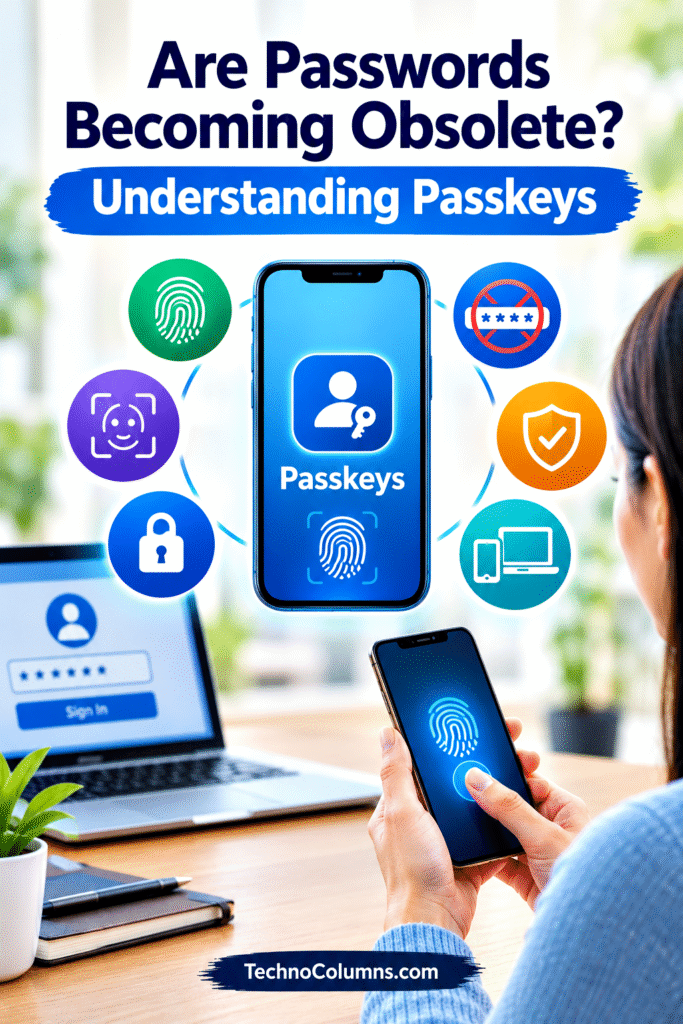
How to Use Passkeys to Protect Your Online Accounts
In today’s digital world, we use passwords to access almost everything, including email accounts, social media, online banking, shopping websites, and work applications. However, passwords can be forgotten, stolen, guessed, or exposed in data breaches. Cybercriminals often exploit these weaknesses to gain access to personal information.
Now, a new technology called passkeys is changing the way we log in to websites and applications. Instead of typing a password, users can authenticate using a fingerprint, face recognition, or their device’s PIN.
But what exactly are passkeys? Are they safer than passwords? And will traditional passwords disappear in the future? Let’s understand this technology in simple language.
1. What Are Passkeys?
A passkey is a modern digital credential that allows you to sign in to a website or application without entering a traditional password.
Imagine opening your smartphone using your fingerprint. Now imagine using the same simple process to sign in to your email, shopping account, or another online service.
That is the basic idea behind passkeys.
Passkeys use a technology based on cryptographic keys rather than a password that you create and type yourself. Major technology platforms, including Google, Apple, and Microsoft, support them.
Key points:
- No traditional password is required when signing in with a passkey.
- You can verify your identity using a fingerprint, face recognition, or a device PIN.
- Passkeys are designed to make online accounts both easier to access and more secure.
- They work only with websites and applications that support passkeys.
2. Why Are Traditional Passwords Becoming a Problem?
Passwords have protected online accounts for decades, but they have several weaknesses.
Many people choose simple passwords because they are easy to remember. Others reuse the same password across multiple websites. If one website suffers a data breach, criminals may try the stolen password on other services.
Phishing is another major problem. A fake website may trick someone into entering their password, unknowingly handing it to a criminal.
Consider someone who uses the same password for email, shopping, and social media. If criminals obtain that password from one compromised service, several accounts could be at risk.
Key points:
- Weak passwords can be guessed by attackers.
- Reusing passwords increases risk across multiple accounts.
- Phishing websites can steal passwords by pretending to be genuine services.
- Password resets and remembering numerous complex passwords can be frustrating.
These problems have encouraged technology companies to develop more secure alternatives.
3. How Do Passkeys Work?
Passkeys may sound complicated, but using one is usually straightforward. The technology behind them relies on a pair of cryptographic keys.
When you create a passkey for a website, two related keys are generated:
- Private key: Kept securely on your device or within a compatible passkey manager.
- Public key: Registered with the website or application.
When you sign in, the website sends a digital challenge. Your device uses the private key to respond, and the website verifies the response using the public key.
You do not need to understand the mathematics involved. Your device and the website handle the process automatically.
For example, when signing in to a supported account, you might select your account and confirm your identity with your fingerprint. The system then verifies your passkey and allows access.
Key points:
- Passkeys use a public and private key pair instead of a conventional password.
- Your private key is not sent to the website during authentication.
- The website verifies your identity through a cryptographic process.
- Your fingerprint or face data generally remains on your device rather than being sent to the website.
4. Passkeys vs. Passwords: What Is the Difference?
The main difference is how your identity is verified.
| Feature | Traditional passwords | Passkeys |
| Login method | Type a password | Approve with device authentication |
| Memory required | Usually yes | No separate password to remember |
| Phishing protection | Can be stolen through fake websites | Designed to resist phishing |
| Reuse across websites | Common, but risky | Unique credential for each service |
| Server storage | Password verifier or related password data | Public key |
| Ease of use | Can require typing and resetting | Often quick and convenient |
Passkeys offer a major security advantage because they are tied to the website or application for which they were created. A passkey for a genuine website cannot simply be submitted to a lookalike phishing website in the way a stolen password can.
Key point: Passkeys reduce the risks associated with weak, reused, and stolen passwords, while also making sign-in easier.
5. Why Are Passkeys Considered More Secure?
One of the biggest advantages of passkeys is their resistance to phishing attacks.
Suppose you receive a message claiming to be from your bank. It contains a link to a fake login page designed to look genuine. If you enter your password there, the attacker may steal it.
With a passkey, the browser or operating system checks whether the credential matches the genuine website. A fake website cannot normally use the passkey created for the real service.
Passkeys also help protect against credential stuffing, where criminals try passwords stolen from one website on other websites.
Key points:
- Passkeys are designed to resist phishing attacks.
- They cannot be guessed like ordinary passwords.
- Each passkey is associated with a specific website or application.
- Websites store public keys rather than conventional passwords, reducing the value of stolen authentication databases.
However, passkeys do not protect against every type of cyberattack. A compromised device, a stolen unlocked phone, or a fraudulent account-recovery process can still create security risks.
6. How Can You Start Using Passkeys?
Getting started is usually simple, provided the website or application supports the feature.
Here is a general process:
- Open the genuine website or application. Sign in using your existing method.
- Visit the security or account settings. Look for an option such as “Passkeys,” “Sign-in methods,” or “Passwordless login.”
- Choose to create a passkey. The exact wording varies between services.
- Confirm your identity. You may be asked to use your fingerprint, face recognition, or device PIN.
- Save the passkey securely. Depending on your setup, it may be stored on your device or synced through a compatible password manager.
- Test the sign-in process. The next time you log in, select the passkey option and follow the instructions.
Many modern Android phones, iPhones, Windows computers, and Mac computers support passkeys, although exact features depend on the operating system, browser, and service.
Key points:
- Look for passkey settings in your account’s security section.
- Use only the official website or application when creating a passkey.
- Keep your device’s screen lock enabled.
- Check how your passkeys are backed up or recovered before relying on them for important accounts.
7. What Happens If You Lose Your Phone?
One concern people have is losing the device that contains their passkeys.
The answer depends on how the passkey is stored. Some passkeys are synced securely through a compatible credential manager, allowing them to be used on other supported devices. Others are tied to a single device and may require a separate recovery method if that device is lost.
For example, if you store passkeys in a supported account-based password manager, you may be able to access them on a replacement phone after restoring access to that manager. A device-bound passkey, however, may not transfer automatically.
Key points:
- Understand whether your passkeys are synced or device-bound.
- Secure the account used to sync or manage your passkeys.
- Keep your recovery email and phone number up to date where applicable.
- Follow the service’s official recovery process if your device is lost.
Do not assume that every passkey is automatically backed up. Plan for device loss before it happens.
8. Are There Any Limitations to Passkeys?
Although passkeys offer significant advantages, the transition away from passwords is not yet complete.
Not every website or application supports them. Some services may still require a password for certain activities, account recovery, or older sign-in systems.
People may also find passkeys confusing at first, especially when switching between devices or using different password managers. In workplaces, an organisation may restrict which passkey methods employees can use.
Another important consideration is account recovery. If you lose access to your device and the service that manages your synced passkeys, recovering your accounts may be difficult.
Key points:
- Some websites still rely on traditional passwords.
- Device loss and account recovery need careful planning.
- Passkey support can vary across devices and services.
- Passkeys improve authentication security but cannot eliminate every cybersecurity risk.
For these reasons, passwords and passkeys will likely coexist for some time.
9. Will Passkeys Completely Replace Passwords in the Future?
Passkeys are becoming an important part of modern online security. The FIDO Alliance reported in October 2026 that its estimate had reached seven billion passkeys in use worldwide, indicating substantial growth in adoption.
As more websites and applications adopt this technology, people may gradually rely less on traditional passwords.
However, replacing passwords everywhere will take time. Older systems, different recovery requirements, and services that have not implemented passkeys will continue to use conventional login methods.
A likely future is one in which passkeys become the preferred way to sign in to many services, while passwords remain available where necessary.
Key points:
- Passkeys are already being adopted across major technology platforms.
- More services may introduce passwordless sign-in over time.
- Passwords may continue to exist alongside passkeys for years.
- The long-term goal is to make online access simpler without sacrificing security.
Conclusion: Are Passwords Becoming Obsolete?
Passkeys represent an important change in how we protect our online accounts. They reduce the need to remember complex passwords, make sign-in more convenient, and provide strong protection against many phishing attacks.
However, passwords have not disappeared, and passkeys are not a complete solution to every security problem. Users still need to protect their devices, maintain secure recovery options, and remain alert to scams.
The key lesson is simple: Wherever a trusted service offers passkeys, consider using them. Combined with a secure device and sensible recovery arrangements, they can make your digital life both safer and easier.
The future of online security may not depend on remembering better passwords, but on using smarter ways to prove who we are.