
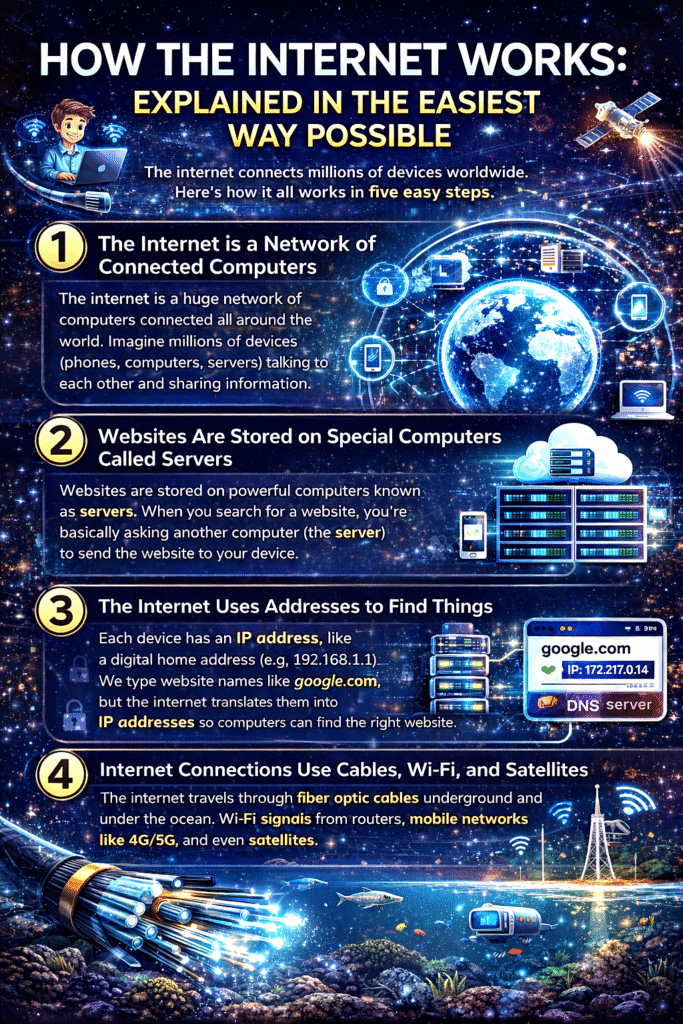
Internet Explained in Simple Words
Today, we use the internet for almost everything—watching videos, chatting with friends, shopping online, and even working. But have you ever wondered how the internet actually works behind the scenes?
Don’t worry—you don’t need to be a tech expert to understand it. Let’s break it down into five simple points that anyone can understand.
1. The Internet is Like a Huge Network of Connected Computers
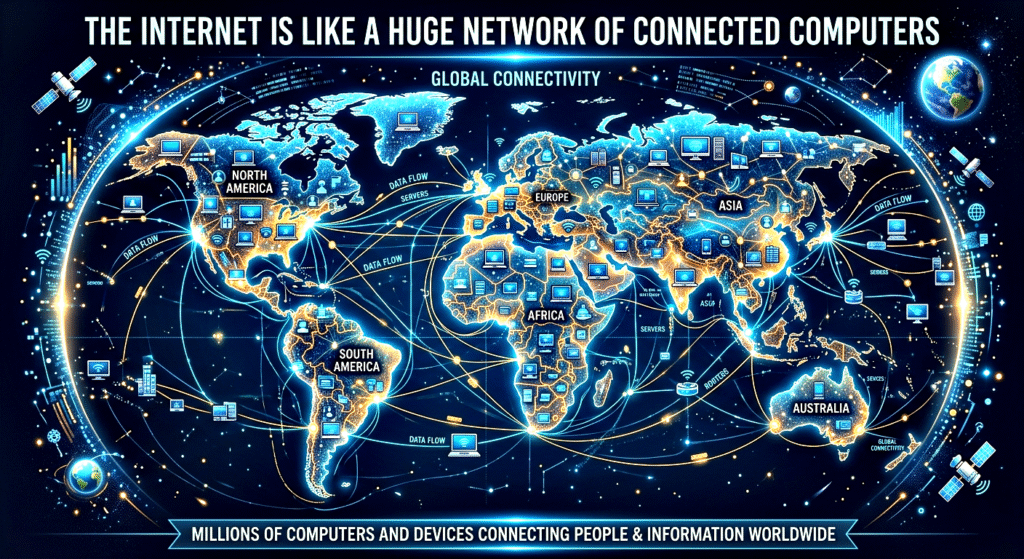
The internet is not just one machine or one place. It is a massive network of computers connected all around the world.
Think of it like this:
👉 Imagine a huge spider web where each point is a computer or device.
👉 All these points are connected through wires, cables, and wireless signals.
These computers include:
- Your phone and laptop
- Servers (powerful computers that store websites)
- Data centres around the world
When you connect to the internet, your device becomes a part of this global network.
For example:
- When you open a website, your device is actually talking to another computer (server) somewhere else in the world.
- That server sends the information back to your screen.
So, in simple words:
👉 The internet = a global network where computers communicate with each other
2. Websites are Stored on Special Computers Called Servers
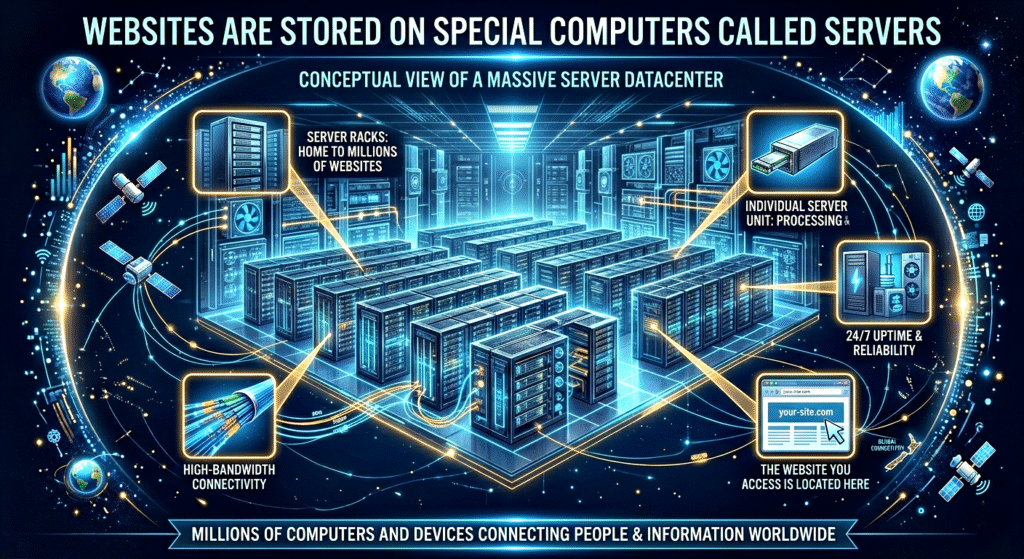
When you visit a website like Google or YouTube, you are not opening something stored on your phone. Instead, you are accessing data stored on a server.
A server is a powerful computer that stores websites and data. These servers are always connected to the internet and are designed to send information quickly when requested.
Here’s how it works:
- You type a website name (like google.com)
- Your device sends a request to the server
- The server sends the website data back to your device
- Your browser shows it on your screen
This process happens in just a few seconds.
Servers are located in data centers, which are buildings full of computers working 24/7 to keep the internet running.
👉 So, every time you browse the internet, you are actually communicating with servers around the world.
3. The Internet Uses Addresses (IP Addresses) to Find Things
Just like every house has an address, every device on the internet has a unique address called an IP address.
An IP address looks something like this:
👉 192.168.1.1 (just an example)
But remembering numbers like this is difficult. So instead, we use domain names like:
- google.com
- youtube.com
- amazon.in
Behind the scenes, these names are converted into IP addresses using something called DNS (Domain Name System).
Think of DNS like a phonebook of the internet:
- You type a website name
- DNS finds the correct IP address
- Your device connects to that address
Without IP addresses and DNS, the internet would be very confusing to use.
👉 In simple words:
IP address = real address of a website
Domain name = easy name for humans
4. Data Travels in Small Pieces Called Packets
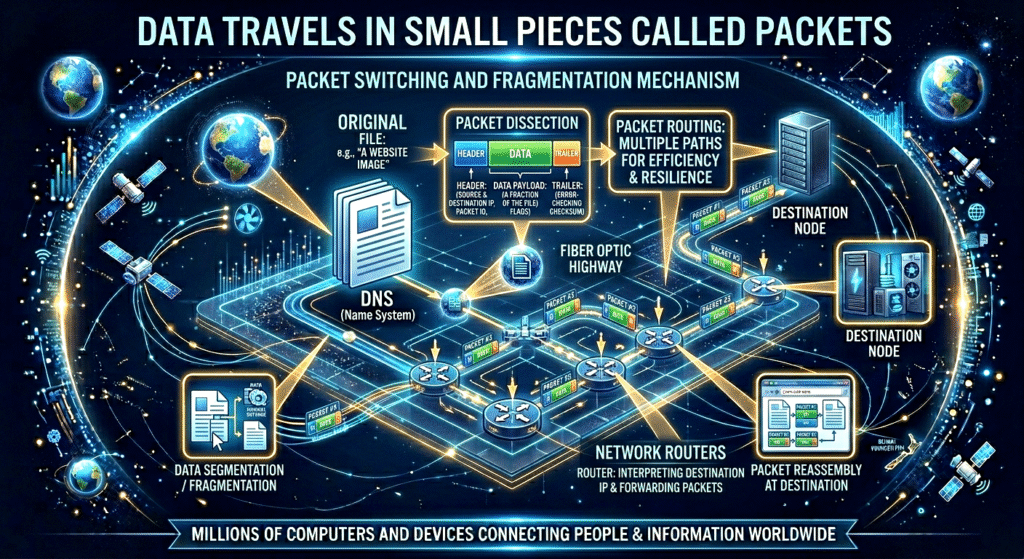
When you send or receive information on the internet, it doesn’t travel all at once. Instead, it is broken into small pieces called packets.
For example:
- When you send a message
- Watch a video
- Download a file
All this data is divided into tiny packets and sent across the internet.
Each packet:
- Travels through different paths
- Reaches the destination
- Gets reassembled into the original data
It’s like sending a big book by breaking it into many small pages and sending them separately. Once all pages arrive, they are put back together.
This system makes the internet:
- Faster
- More efficient
- More reliable
Even if one packet is lost, it can be sent again without affecting the whole data.
👉 So, the internet works like a smart delivery system that sends information in small pieces.
5. Internet Connections Use Cables, Wi-Fi, and Satellites
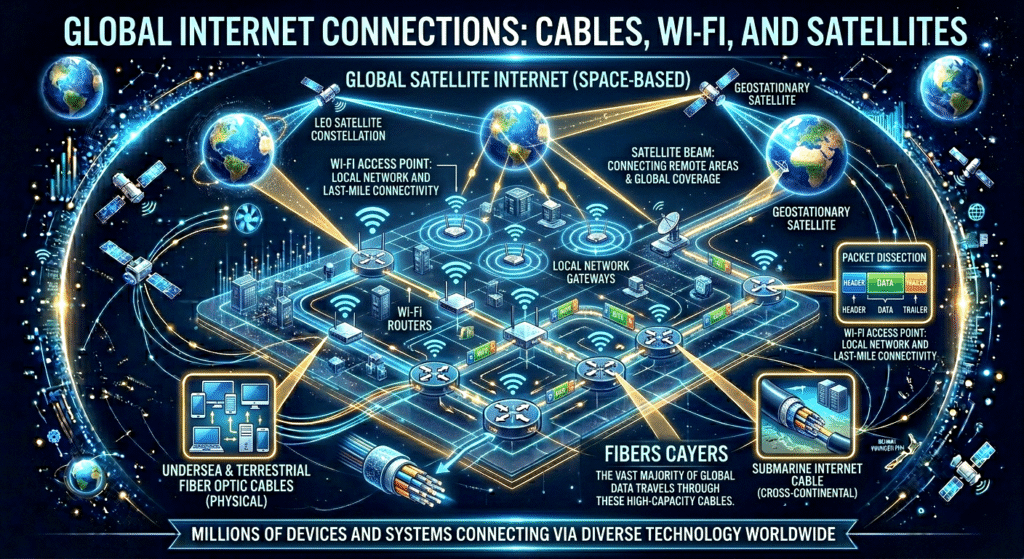
The internet doesn’t work magically—it depends on physical connections.
There are three main ways data travels:
i. Fibre Optic Cables
These are special cables placed underground and under the ocean. They carry data using light signals and are extremely fast.
👉 Most of the world’s internet traffic travels through these cables.
ii. Wi-Fi
Wi-Fi allows your devices to connect to the internet wirelessly.
For example:
- Your home router connects to the internet
- Your phone connects to the router using Wi-Fi
iii. Mobile Networks (4G/5G)
Your mobile data works through towers that send and receive signals.
iv. Satellites
In remote areas, satellites are used to provide internet access.
All these systems work together to keep you connected.
👉 In simple words:
The internet travels through wires and signals to reach your device
Conclusion
The internet may seem complex, but when you break it down, it’s actually quite simple.
Let’s quickly recap:
- The internet is a global network of connected computers
- Websites are stored on servers
- Devices use IP addresses and domain names to find each other
- Data travels in small packets
- Connections are made through cables, Wi-Fi, and mobile networks
Understanding how the internet works helps you use it more confidently and safely.
👉 The next time you open a website or send a message, remember—there’s a whole system working behind the scenes in just a few seconds!